
Expunging Users is done when all traces of the User need to be removed from the application. After expungement, the User account cannot be restored.
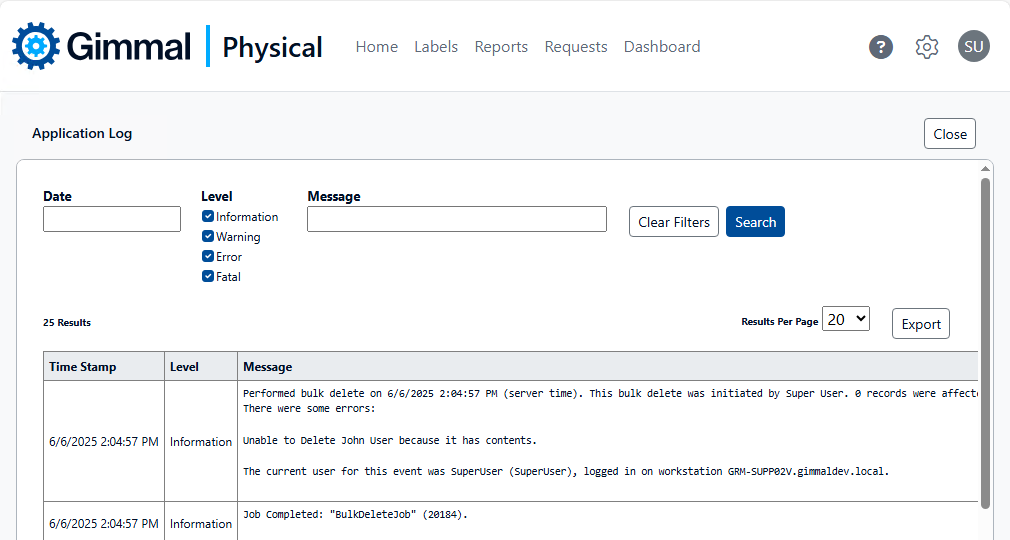
Gimmal Physical prevents deletion and expungement of Users when there are any records (e.g. Files or Boxes) checked out to that User account, or if the User has any still-pending Requests, in a variety of ways. Bulk Delete and Bulk Expunge can be submitted, but these operations will be prevented with an appropriate message generated in the Application
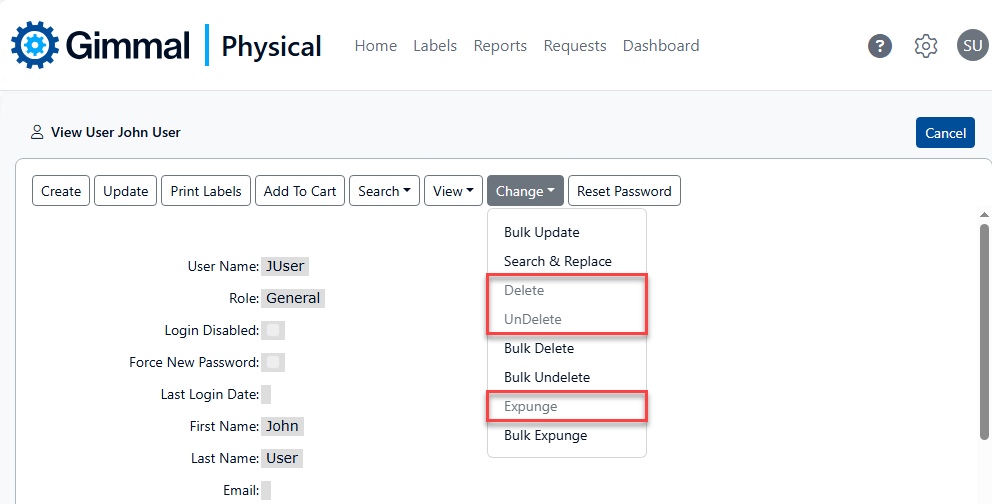
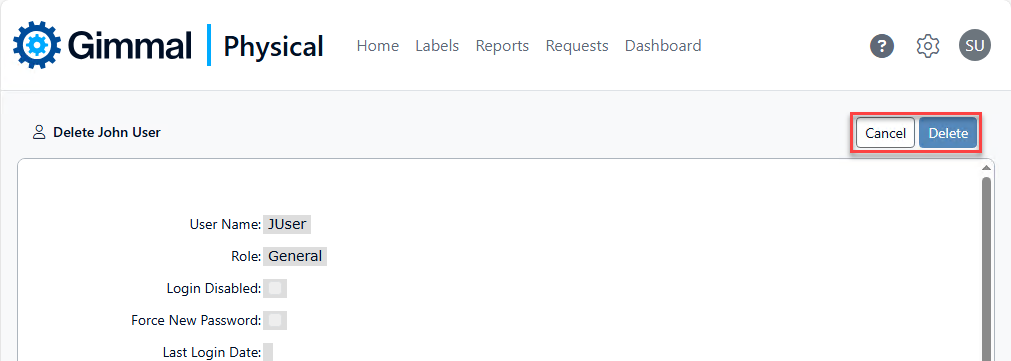
To learn how to delete records in Gimmal Physical click Deleting Records