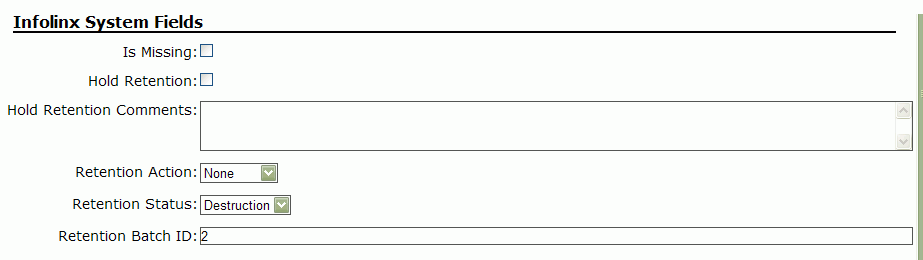
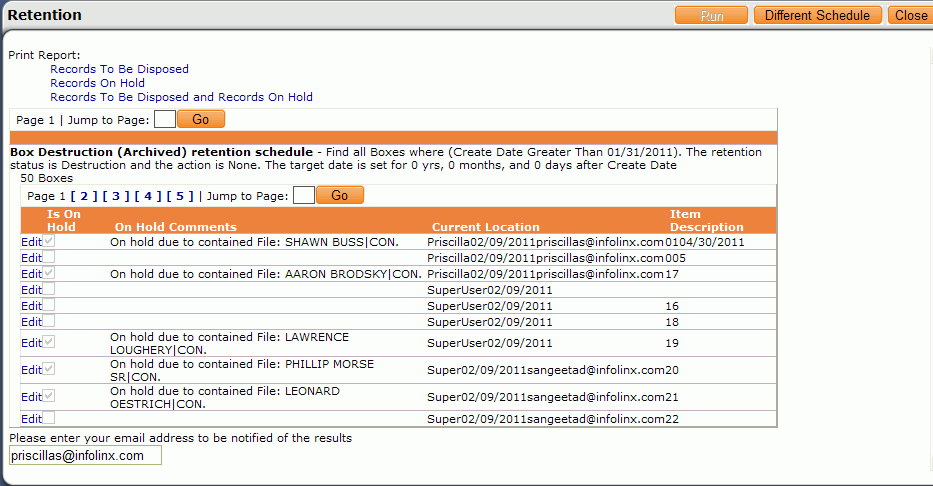
To prevent disposing of records regardless of any retention schedule status, the records can be put on hold. Records can be put on hold in one of two ways, via either the Retention page or from the record Update page.
To place a record on hold via the Retention page, click the Edit link next to a record, check the Is On Hold checkbox, enter hold comments in the On Hold Comments text box (optional), and click Update.
To place a record on hold via the record Update page, check the Hold Retention checkbox, enter hold comments in the Hold Retention Comments text box (optional), and click Update.