
Session tracking allows administrators to view and manage the detailed session history of the application.
To access Session Tracking:
-
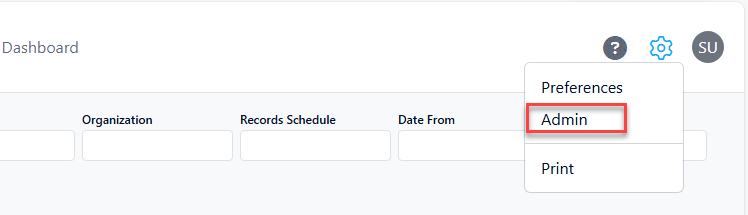
Select Admin from the Gear icon menu. The Administration page displays.
-
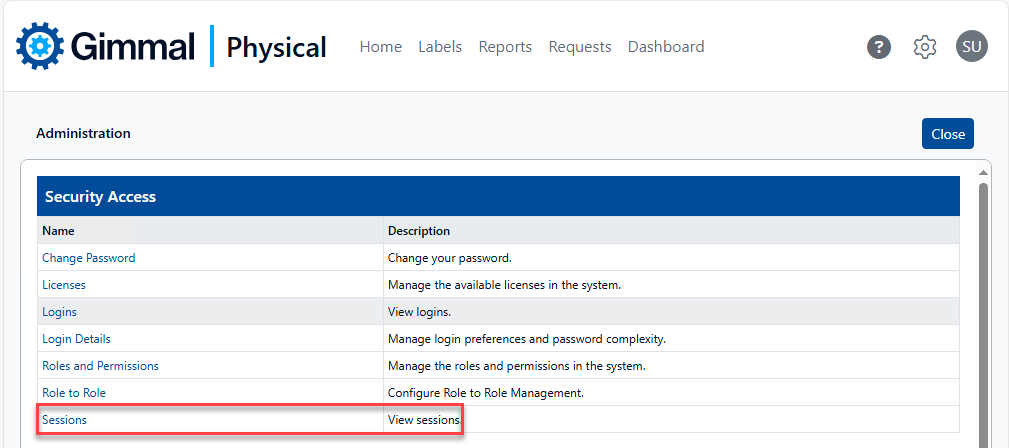
Click Sessions within the Security Access section. The Session Tracking page displays.
-
You can search the session history by:
-
Session GUID - Unique identifier for the session
-
Computer IP - IP address of the computer the session occurred from
-
Session Start - Start time of the session
-
Session End - End time of the session
-
Searching with no criteria specified, will return all Session records for the application.
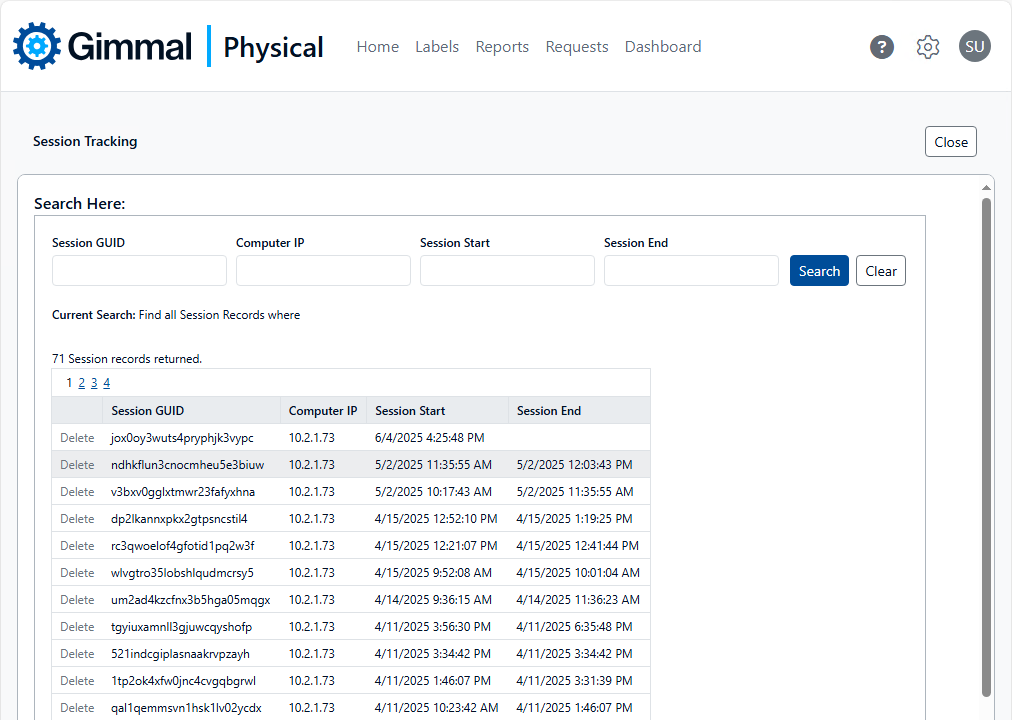
In addition to searching the application session history, search results can also be sorted by clicking an individual column header. Clicking the column header a second time reverses the sort order.
Individual entries can be removed by clicking Delete in the first column.