
Pre-Installation
Configure Windows Roles and Features as follows:
-
Role: Web Server
-
Role Services:
-
Static Content
-
Static Content Compression
-
Http Logging
-
Windows Authentication
-
ASP.NET 4.5
-
Management Tools
-
-
Installation
Ensure that you run the installer as the Local Administrator.
Each of these components can be installed on the same machine or on a separate machine for scale-out scenarios.
Upon launching the SharePoint Online Connector .iso, the following screen displays:
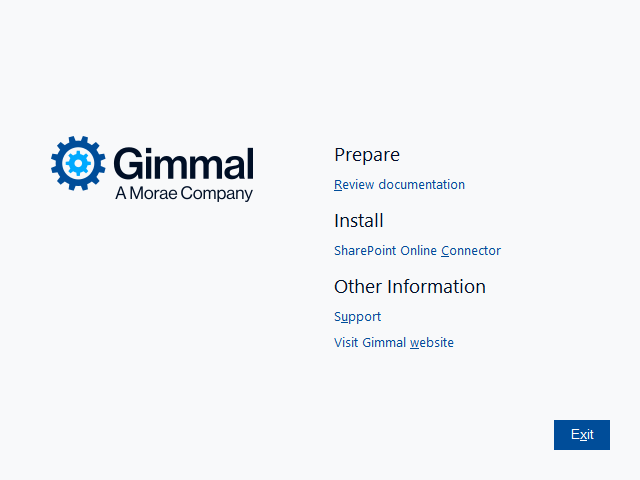
Choose the ‘SharePoint Online Connector’ under ‘Install’.
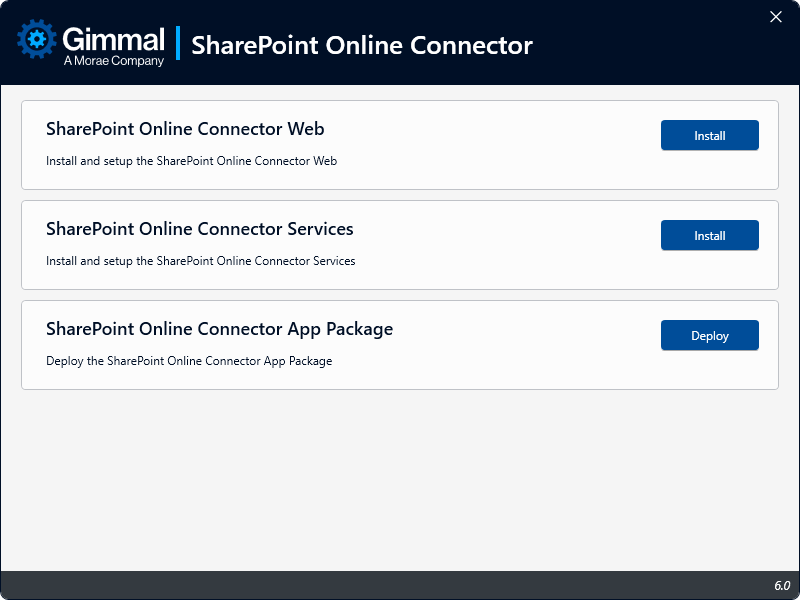
This screen presents each installable component that is a part of the SharePoint Online Connector. Click Install next to the component that you want to install. This will launch the specific installation wizard for that component.
Choose the next topic to continue installing the SharePoint Online Connector: