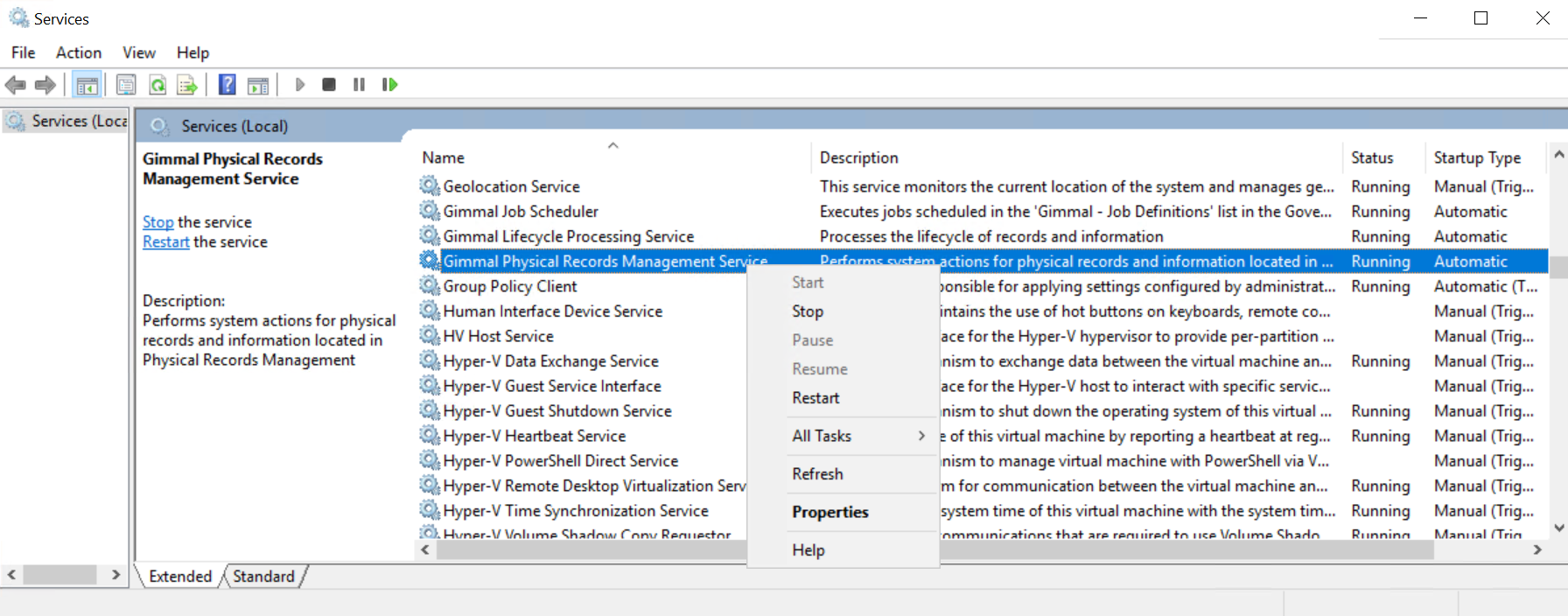
When you install Physical Records Management, a Windows Service is added during the installation process. A description of the Service follows. You must start this Service prior to using the Physical Records Management extension.
|
Service Type |
Description |
|---|---|
|
Gimmal Physical Records Management Service |
Performs system actions for physical records and information located in Physical Records Management. |
Starting and Stopping the Service
The Physical Records Management Service can be started and stopped from the Windows Services Control Panel. To do so, perform the following steps:
-
Run Services.msc.
-
Right-click Gimmal Physical Records Management Service.
-
Click Start or Stop.