To access Records Management, use a supported web browser to navigate to URL that your organization is using to host the on-premises Gimmal Records (i.e. https://[yourURL]). You must use the fully qualified domain name (FQDN) of your server (e.g., https://demo.recordsmanagement.com:8080.)
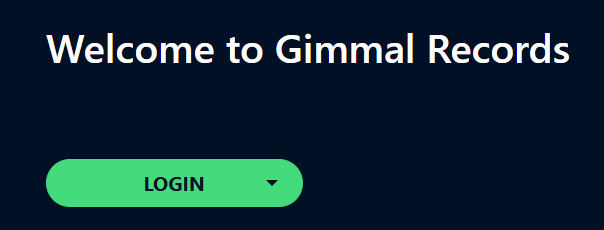
Because Records Management is a secure system, the first thing you must do is sign in by clicking the Login button:
Signing Out
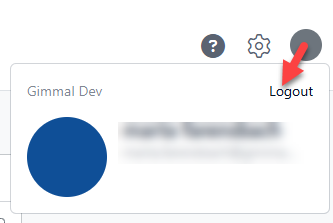
To sign out of the system, click on your user profile icon in the upper right of the page, and then select Logout.