You can access the My Preferences screen by clicking Settings from the Gear icon and then My Preferences from the left navigation menu. My Preferences enables you to configure settings that are specific to you, the current logged in user.
Time Zone
This setting enables you to configure your personal Time Zone setting, which affects how dates display.
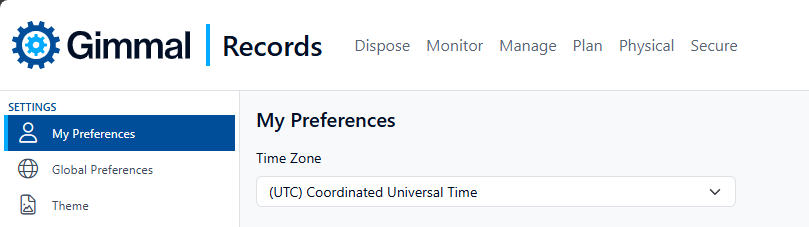
The default setting is based on the time zone setup by your systems administrator.
Inbox View Properties
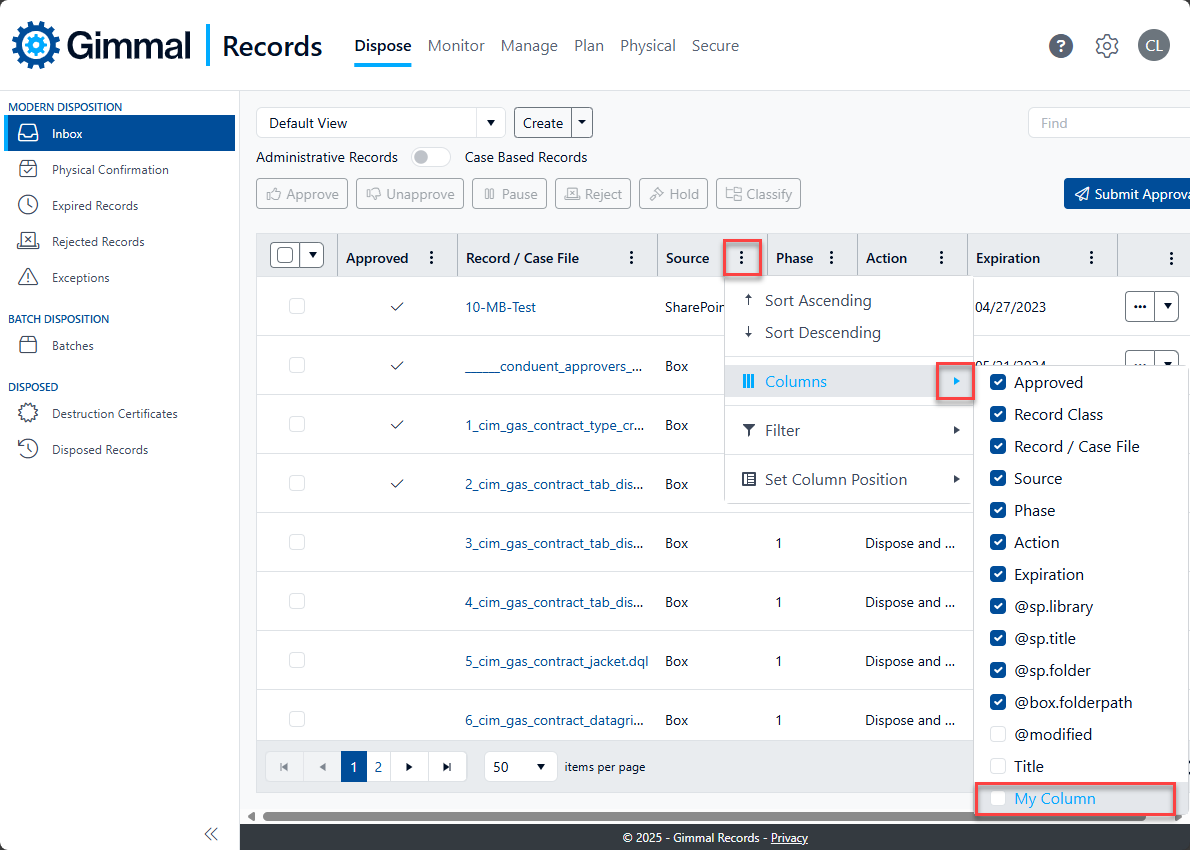
Various 'Dispose' views (including Inbox, Rejected Records, etc.) can be modified to show different properties in the data grids on a per user level. This allows you to change the columns that are available for viewing and filtering.
The columns that are available for your user are either configured by your system administrator or added here in the My Preferences settings.
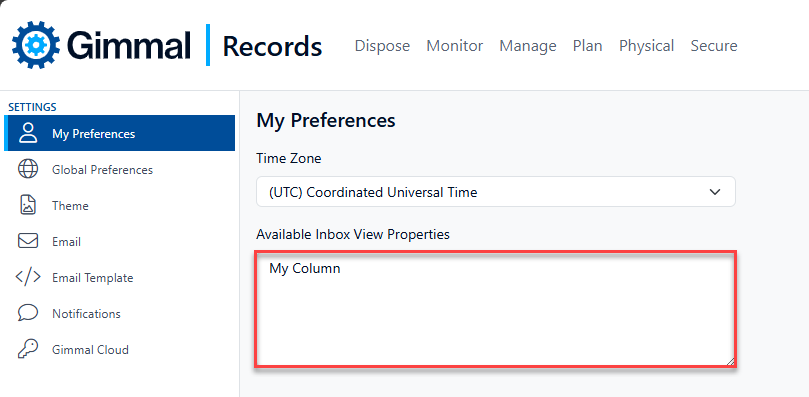
In the Available Inbox View Properties text box, enter each property on a separate line. Click the Update button to save your changes. Now each of these columns will be available to use within the different areas of Disposition as long as the matching property is available.
The listed property must be correctly entered and available for the chosen data source (e.g. SPOC, USFC) for the values to appear as an option in the Inbox view.