Generate a self-signed certificate used when creating the Microsoft Graph API Connection Settings.
Download Create-SelfSignedCert.ps1 and ensure that the file is unblocked.
Open PowerShell and cd to the downloaded location of the .ps1.

Type .\Create-SelfSignedCert.ps1 and press ENTER.
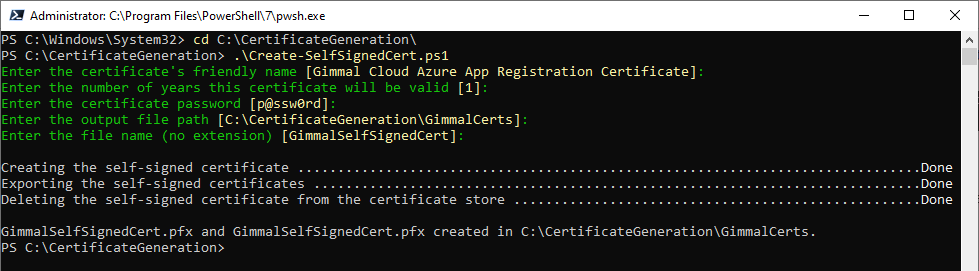
Enter the required information. If the default value (between brackets in yellow) is acceptable, just press ENTER.
-
Certificate Friendly Name: The friendly name of the certificate. (Default: Gimmal Cloud Azure App Registration Certificate)
-
Number of Years: The number of years before the certificate will expire. (Default: 1)
-
Certificate Password: The password used to secure the certificate. DO NOT LOSE THIS (Default: p@ssw0rd)
-
Output File Path: The directory where the certificates will be saved. (Default: Current Directory + \GimmalCerts)
-
File Name (no extension): The file name of the certificates. (Default: GimmalSelfSignedCert)
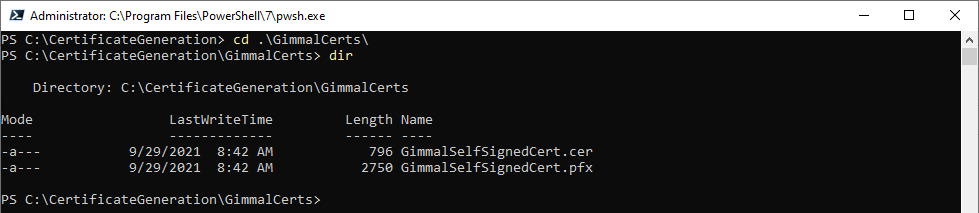
The script will generate two files and inform you of the saved location.
It is highly recommended you make copies of the .pfx and .crt file. DO NOT LOSE THEM.