Signing In
Sign In
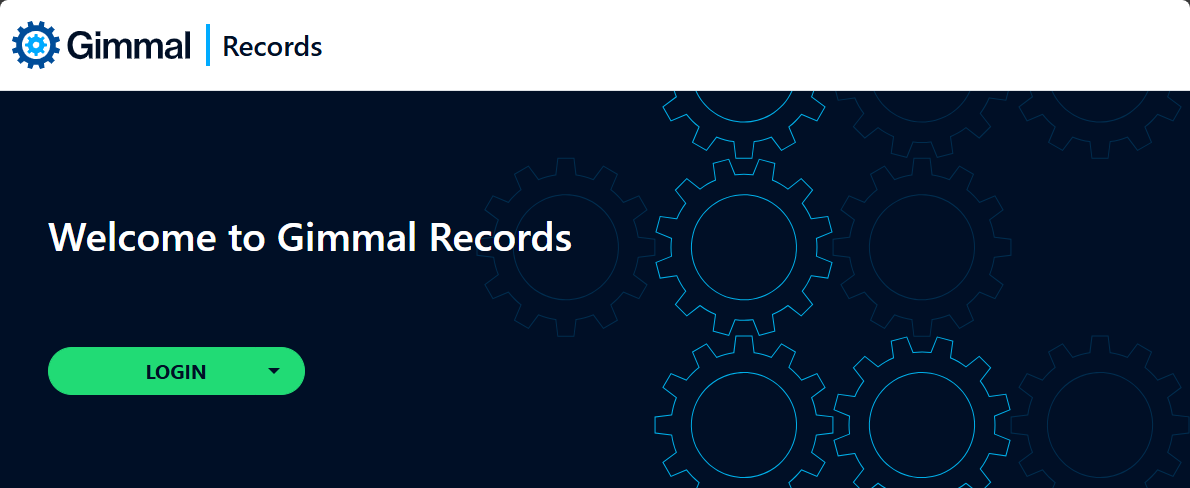
To access Records Management, use a web browser to navigate to https://records.gimmal.cloud.Because Records Management is a secure system, the first thing you must do is sign in using your credentials. Your administrator will provide you with the necessary credentials, however, since the system uses Single Sign-On technology, they should be the same as the credentials used to access your other corporate systems.
Sign Out
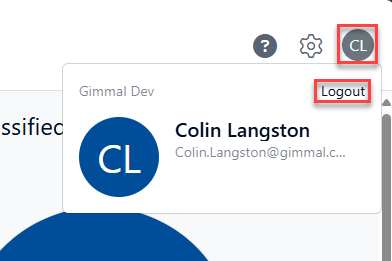
To sign out of the system, click on your user name in the upper right of the page, and then select Sign Out.