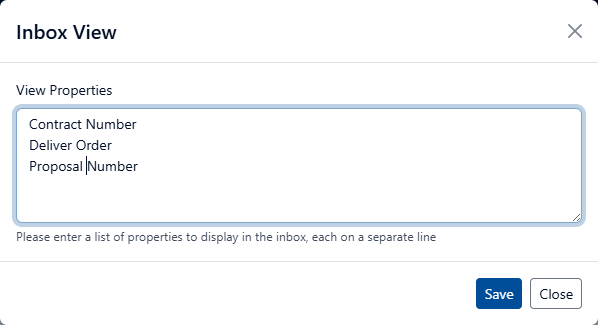
Inbox View

It is no longer recommended to use the Inbox View on a Record Class and may be deprecated in the future. The system now has the ability for users to create their own views using either global or user configured properties. See the following topics for using personal views and configuring properties:
The Inbox View enables you to create a customized view that can be used in the Inbox. The view is specific to a Record Class. This enables you to view all Action Items for a specific Record Class, and to specify which properties should be shown in the view.
The view is accessible from the Action Items Inbox. See the (Link) Views topic for more information.
To create an Inbox View, perform the following steps:
Select Plan from the Main Menu.
Select Record Classes from the left Navigation Menu.
Click the drop-down for the desired Record Class.
Click Inbox View. The Inbox View dialog opens.
Enter the Properties that should be shown in the view. The following example shows three properties that will be included in the view. To see the available properties for a Record, perform these steps:
Click Manage from the main menu
Click Records from the left Navigation Menu.
Click the drop-down for the desired Record.
Select Properties.
Click Save