
Create Gimmal Records Connection Settings
Work with your Gimmal Records System Administrator to authorize the Microsoft 365 SharePoint Connector with your Gimmal Records SaaS environment.
Prerequisites
Gimmal Records Connection Settings
From the Stratus application landing page, click Microsoft 365 SharePoint Connector.
Click Gimmal Records underneath the Connection Management header.
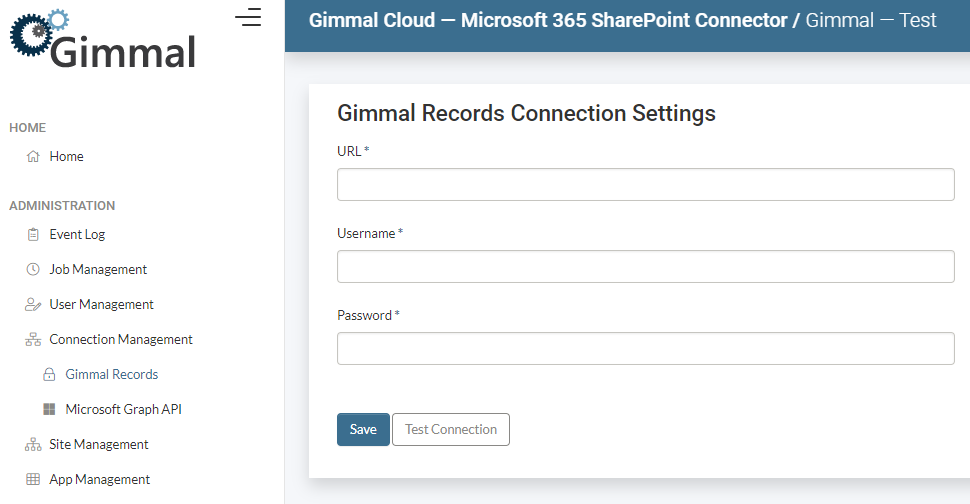
Enter your Gimmal Records Connection Settings:
- URL
- Enter https://records.gimmal.cloud/ for Gimmal Records SaaS Production Tenant.
- Username
- Create a Service Account in Gimmal Records for the M365 SharePoint Connector.
- Password
- Enter the password for the Service Account created above.
Click Test Connection to test that the values are valid.
Click Create to save your settings.