A Pickup Request (sometimes known as a ‘Refile Request’) is used for adding new boxes to a permanent location or returning boxes to their Home Location.
To submit a Pickup Request:
-
Locate the desired item(s) using your preferred search techniques.
-
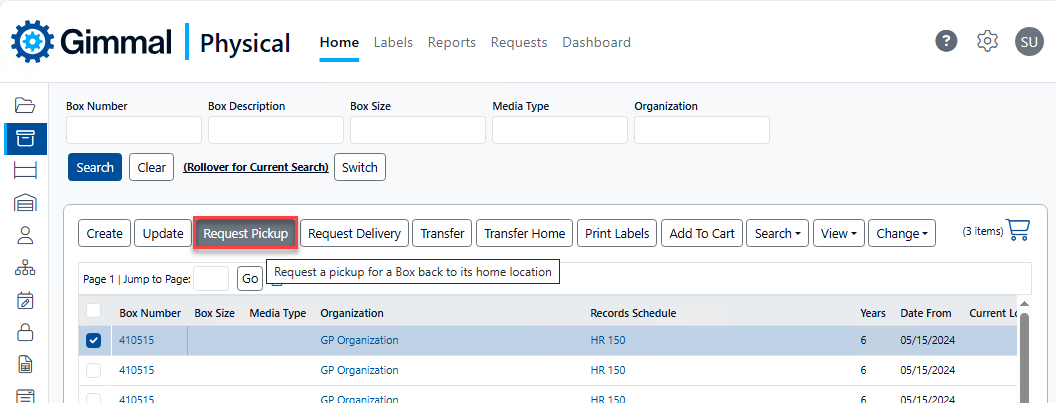
Check the box for each desired item and click Request Pickup.
-
Alternatively, you can click Add To Cart if a single search is not sufficient. In your cart, check the box for each desired item and click Request Pickup. See for more information.
-
-
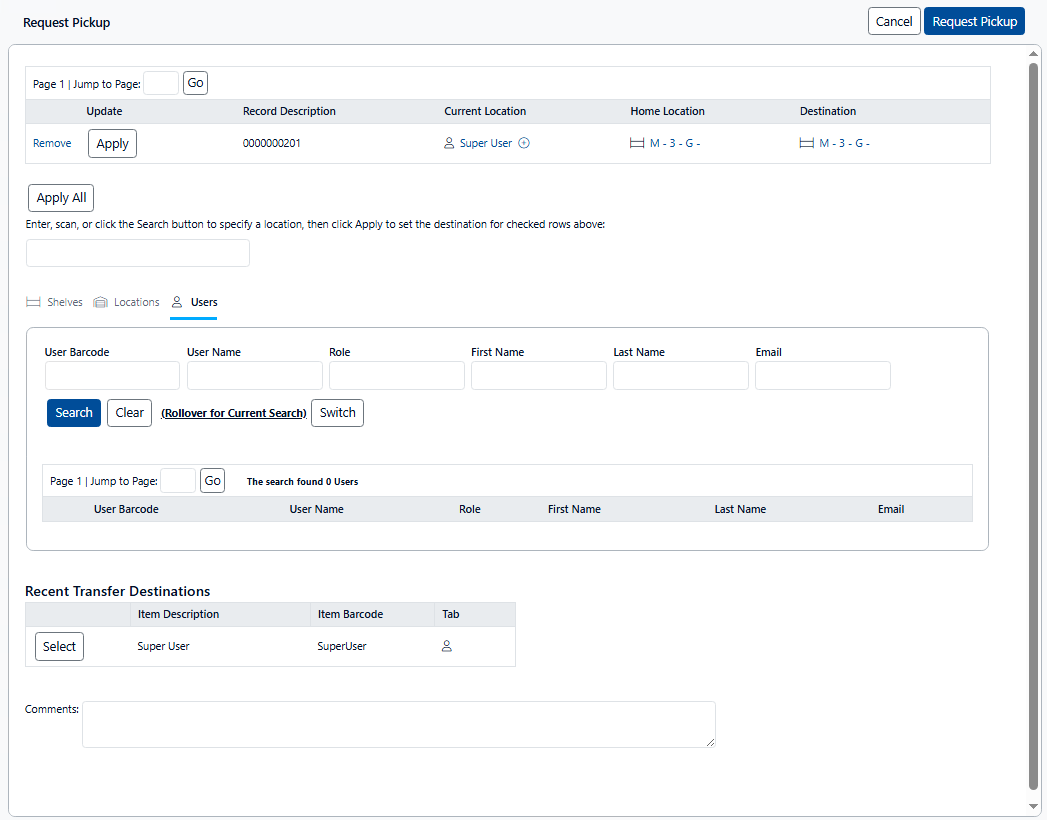
The Request Pickup page displays
-
Perform the following steps to complete the request:
-
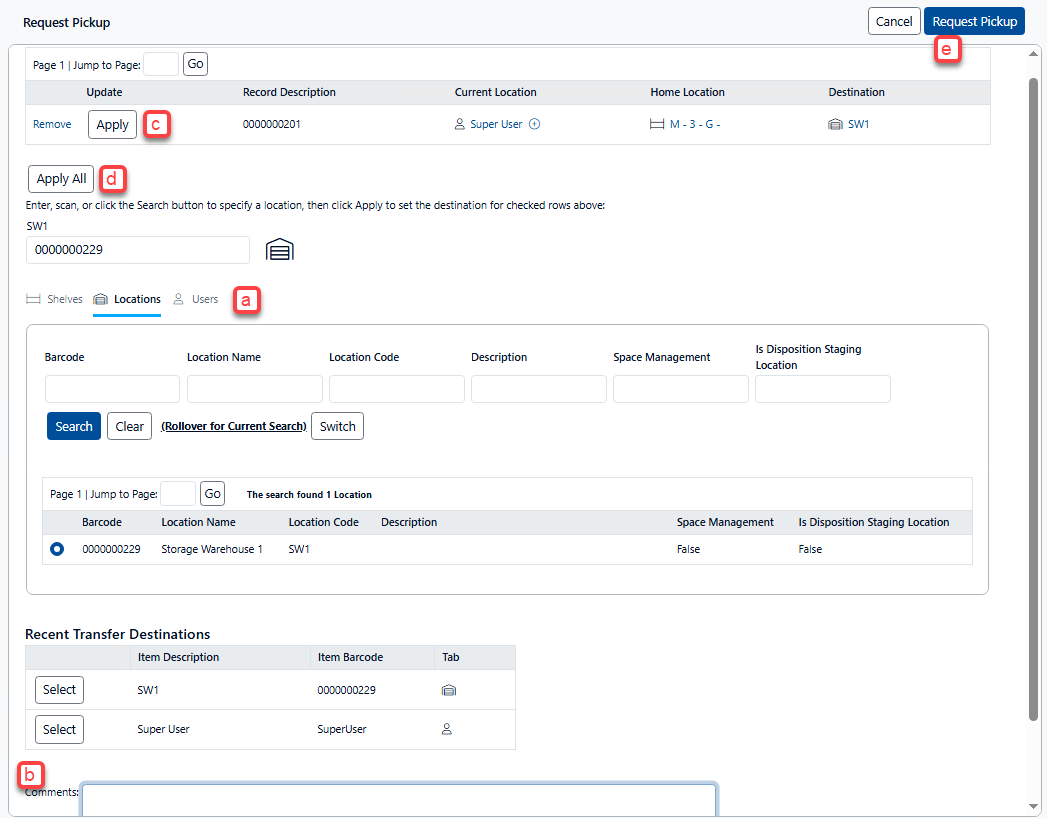
Search for, and select, the destination you want the pickup items to be taken to. Note:
-
Make sure you have selected the correct tab (i.e. Shelves, Locations, Users).
-
The barcode of the selected destination displays in the text box above the tabs.
-
Depending on your application preferences, a default destination may already be specified (this can be changed in Preferences, as needed).
-
-
Enter any comments that need to be provided for the item history.
-
Click Apply to update the Destination for the requested item (see below). Note that the Record Description is the Quick Description for the requested item(s).
-
If multiple items are requested, you can update the Destination for all of them by clicking Apply All.
-
Finally, click Request Pickup to submit the request for review.
-
-
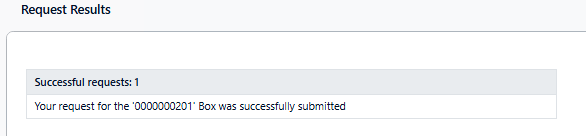
Click Ok to dismiss the Request Results page