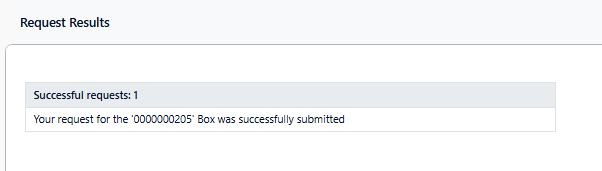
Delivery Requests are typically initiated to request an item to be transferred to a specific user’s location. To submit a delivery request:
-
Locate the desired item(s) using your preferred search techniques.
-
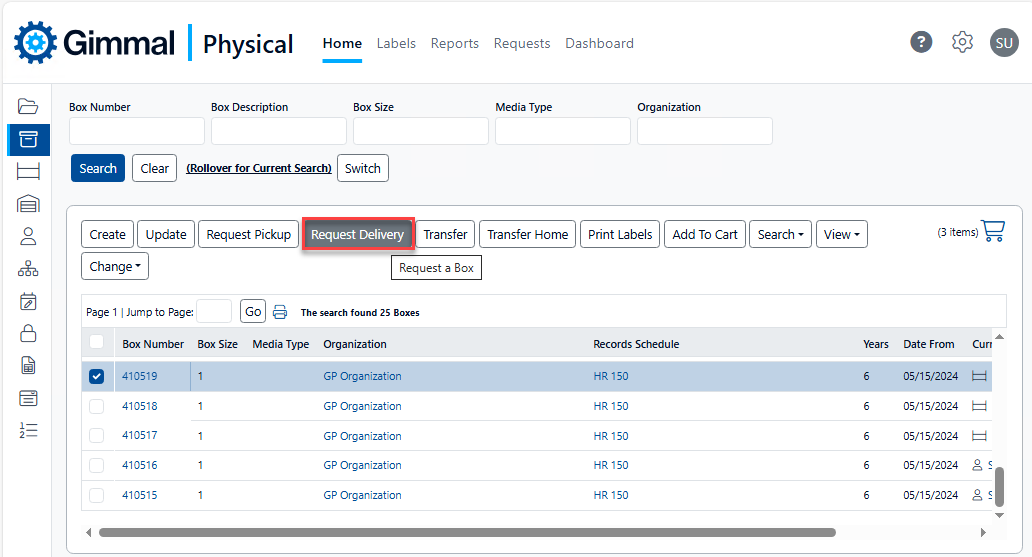
Check the box for each desired item and click Request Delivery.
-
Alternatively, you can click Add To Cart if a single search is not sufficient. In your cart, check the box for each desired item and click Request Delivery. See for more information.
-
-
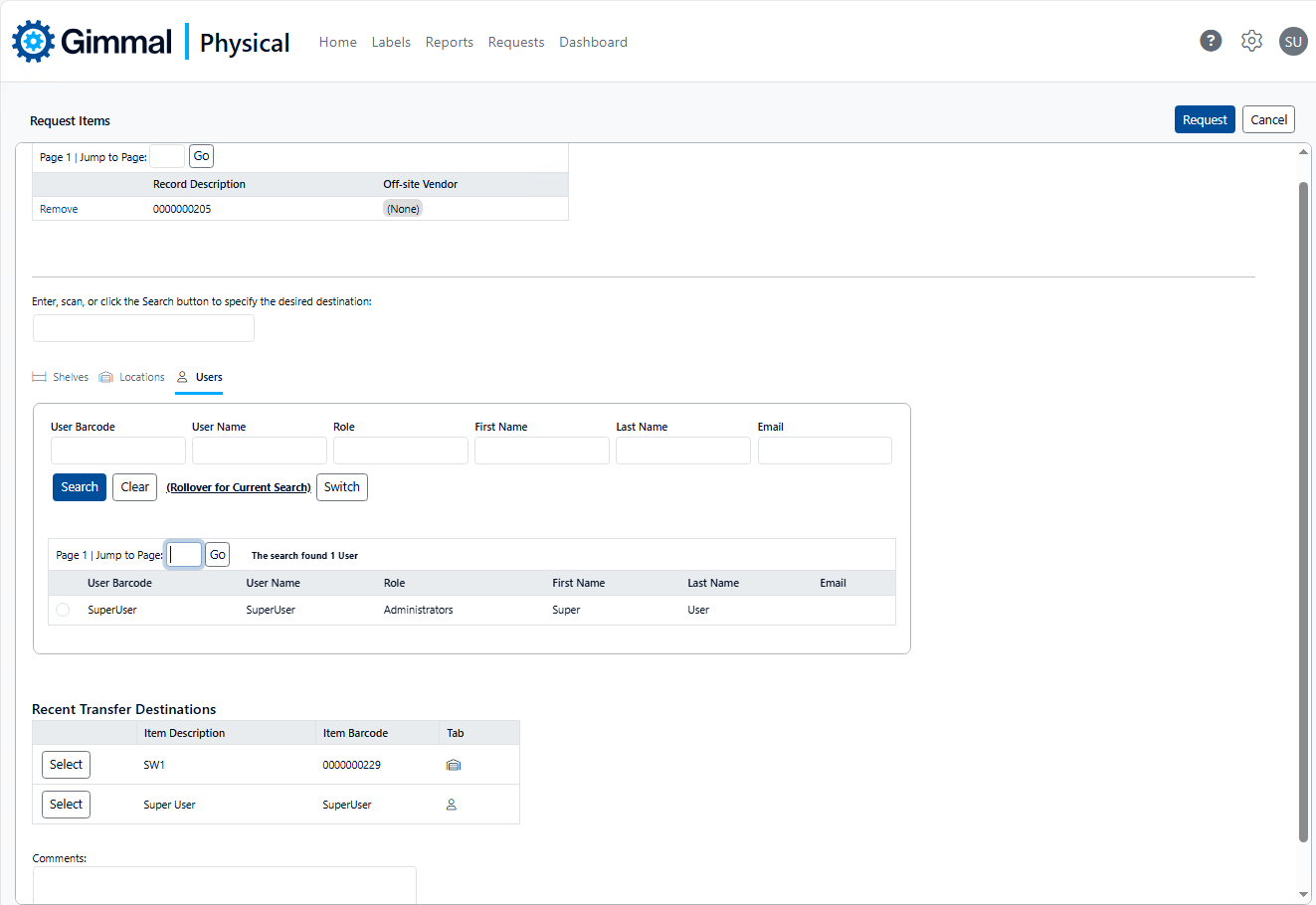
The Request Items page displays
-
Perform the following steps to complete the request:
-
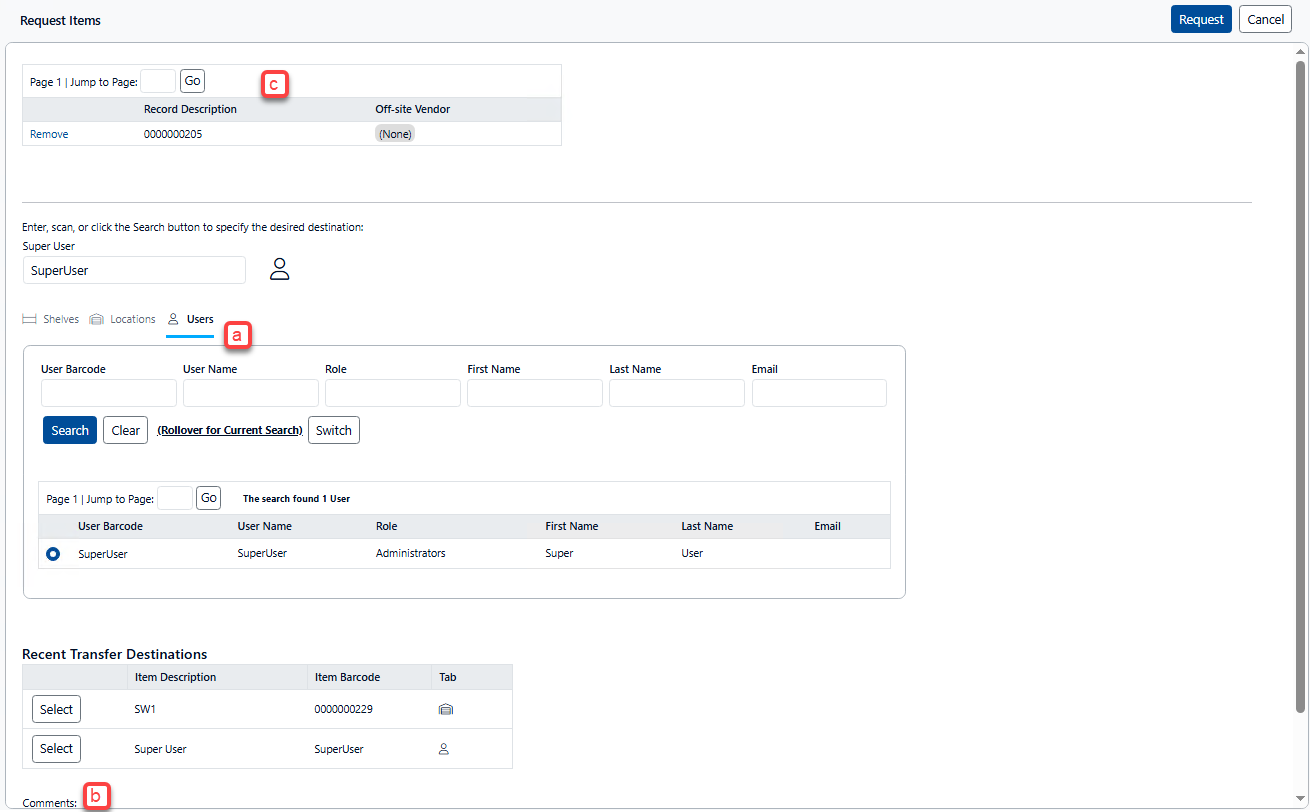
Search for, and select, the destination you want the requested item(s) delivered to.
-
Make sure you have selected the correct tab (i.e. Shelves, Locations, Users).
-
The barcode of the selected destination displays in the text box above the tabs.
-
Depending on your application preferences, a default destination may already be specified (this can be changed in Preferences, as needed).
-
-
Enter any comments that need to be provided for the item history.
-
Note that the Record Description is the Quick Description for the requested item(s).
-
Finally, click Request to submit the request for review.
-
-
Click Ok to dismiss the Request Results page